
The 5-Minute Rule: Why Speed Wins Local Service Leads
Fast first replies win bookings in local services. See response-time benchmarks by channel and a practical playbook to cut delays without mistakes.
1) The 5-Minute Rule: the first reply is often the only reply

In local services, buyers aren’t “shopping”—they’re solving a problem. When a pipe bursts, an AC dies, or a client needs a same-week campaign, the first business to respond credibly tends to capture the job. That’s why lead response time is one of the strongest predictors of booked work: people send a few messages, then choose whoever replies first with clarity and next steps.
Across local service marketing research and call-center studies, the pattern is consistent: responding within minutes dramatically improves conversion rate versus waiting an hour (or overnight). Speed reduces drop-off, builds trust, and prevents competitors from becoming the default. It also improves customer experience by lowering uncertainty—especially after-hours.
The catch: “fast” can’t mean “sloppy.” Misquoting, booking outside service areas, or contradicting policies creates churn and refunds. The winning approach is an inbox management system that replies quickly and consistently—using templates, FAQs, and guardrails—so every first reply is both timely and accurate.
2) Response-time benchmarks by channel (and what “good” looks like)
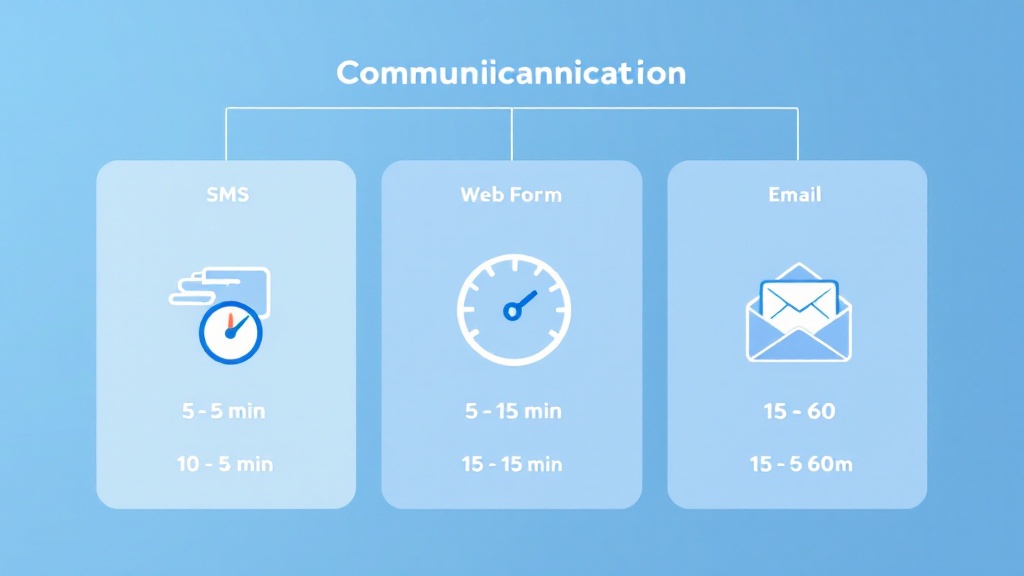
Different channels carry different expectations, and meeting them is a core part of customer experience. As a practical benchmark: SMS should feel near-instant (aim for 1–5 minutes), web forms should get a confirmation quickly (aim for 5–15 minutes during business hours), and email can be slightly slower (aim for 15–60 minutes). After-hours, an immediate acknowledgment still matters—buyers mostly want to know you’re on it and what happens next.
But speed alone doesn’t lift conversion rate. The first message should do three things: (1) confirm you can help (service + area), (2) gather only the missing details (address, model/size, urgency), and (3) offer the next step (quote range, available windows, or a scheduling link). This creates momentum without overcommitting.
If you manage multiple inboxes, inconsistency becomes the hidden tax: different staff use different wording, prices drift, and policies get forgotten. Tight, reusable templates and clear intake questions are the foundation of reliable inbox management—no matter the channel.
3) A lightweight playbook to reduce time-to-first-response—without losing accuracy
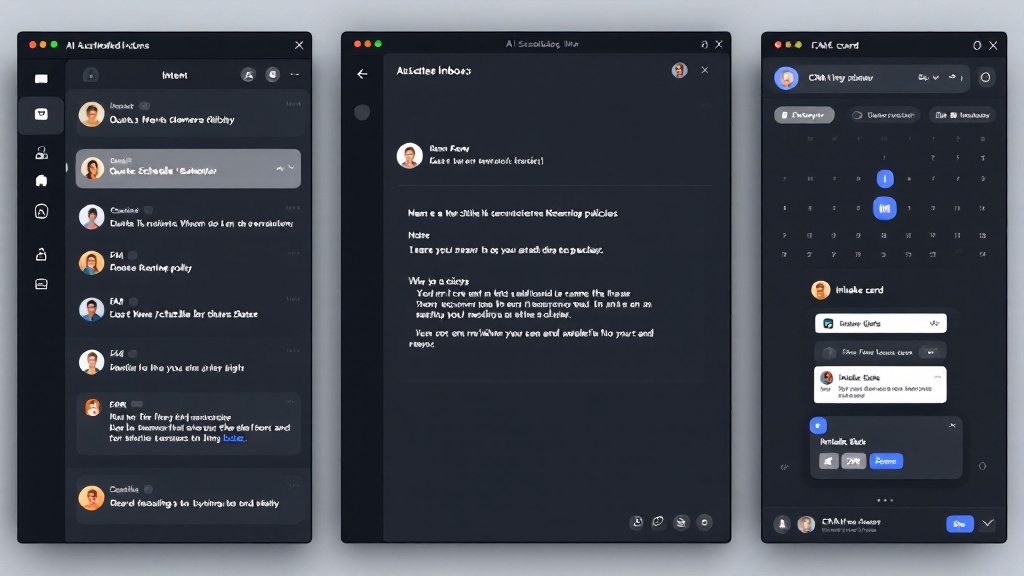
To consistently hit the 5-minute rule, implement a simple operational loop. First, triage intent (quote, schedule, reschedule, FAQ) so the right workflow triggers immediately. Second, draft from policy-grounded assets—approved templates, FAQs, and past conversations—so messaging stays consistent. Third, add rule checks (service area, hours, minimum charges, lead qualification) before any promise is made. This is where automation and guardrails protect margin and prevent scheduling mistakes.
Next, standardize the “first reply kit”: a short acknowledgment, 3–5 intake questions, and two suggested time windows. Sync outcomes to a lightweight CRM or intake record so nothing gets lost, and log decisions for auditability. When needed, route edge cases into an owner approval queue rather than guessing.
Tools like an AI inbox copilot (for example, LeadReply Copilot using RAG + rules) can draft fast, compliant replies and check calendar availability before you hit send. The result is better lead response time, stronger conversion rate, and a customer experience that feels professional—without adding admin labor.